On-demand reviews
Paste a VOD link, we review it, and give you a full report on it.
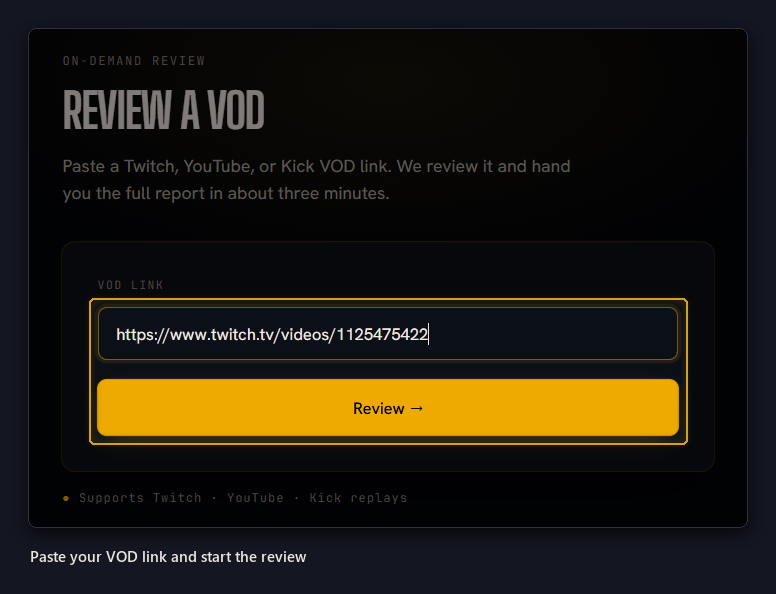
Running a review
Any finished broadcast on Twitch, YouTube or Kick. It can be yours or someone else’s. Want to see what a streamer you look up to does differently? Paste their VOD.
As long as the VOD is publicly available, and the stream isn’t live anymore submitting your link here will have a report delivered to your dashboard.
If the VOD is for subscribers or members only, we won’t be able to review your audio.
Run It
- Copy the link to the VOD from Twitch, YouTube or Kick.
- Paste it on the review page.
- If you’re not signed in, enter your email. We send you a sign-in link, so there’s no password to make or remember.
Most reviews finish in a couple of minutes. We analyze every message and listen to the entire broadcast to give you accurate feedback on your stream.
The longer streams and very active chats will take longer to analyze.
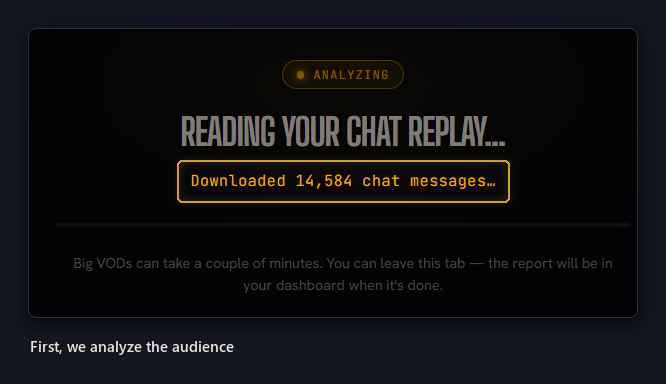
A full-analysis of a 5-hour stream takes less than 150 seconds
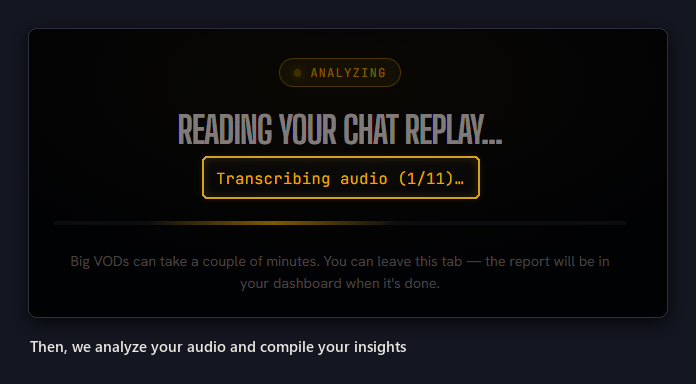
Delivered to the Dashboard
Close the tab if you like. The review keeps running on our side, and the report shows up in your dashboard when it’s done.
The dashboard page shows how many reviews you can run and when they reset. Pro runs more and also runs monitoring.
Reviewing a stream you just finished?
Streaming platforms take a while to process a broadcast’s audio. Sometimes it can take a few hours.
Streamhalla is designed to give you a report whether audio is available or not. If you run a report shortly after posting and your audio track hasn’t been made available, you’ll receive a chat only output. Try again in an hour or so and you should receive the full report.
If a review doesn’t go through
We tell you why and what to try next, and a review that doesn’t finish doesn’t count against your reviews. If you ask for a broadcast you’ve already had reviewed, we take you straight to the report you already have.